Website Redirection – Simple How To’s Guide
Scenario: You are changing from websiteA.com to websiteB.com in the .htaccess file, paste the following code: Alternatively, use this to redirect old domain to new domain If you plan to…

WordPress is a powerful platform that could transform a plain website into a powerhouse. Understanding the fundamentals of WordPress and how to set it up the right way is important to unleash its full potential.
Scenario: You are changing from websiteA.com to websiteB.com in the .htaccess file, paste the following code: Alternatively, use this to redirect old domain to new domain If you plan to…
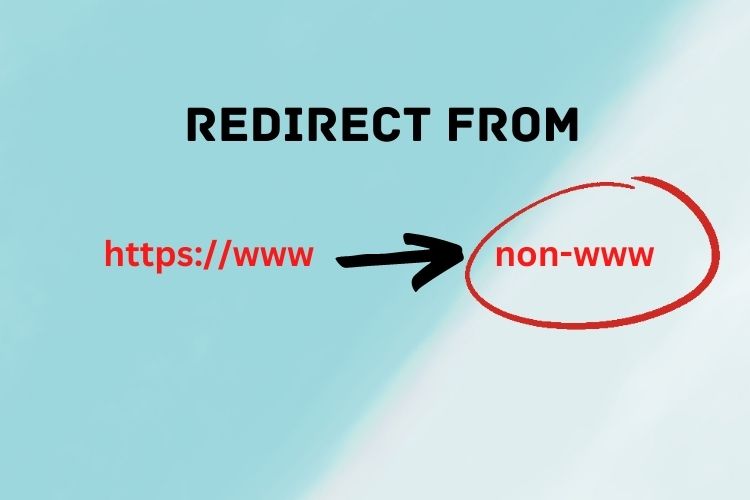
Duplicate content is common in website content. Do you know that duplicate content can happen because of website URLs? Yes, the different formats of URLs whereby some with www while…
Plugins create wonders for WordPress. With Plugins, you can make pretty much any website you desired. It is like making your dream come true, whether you are a beginner or…
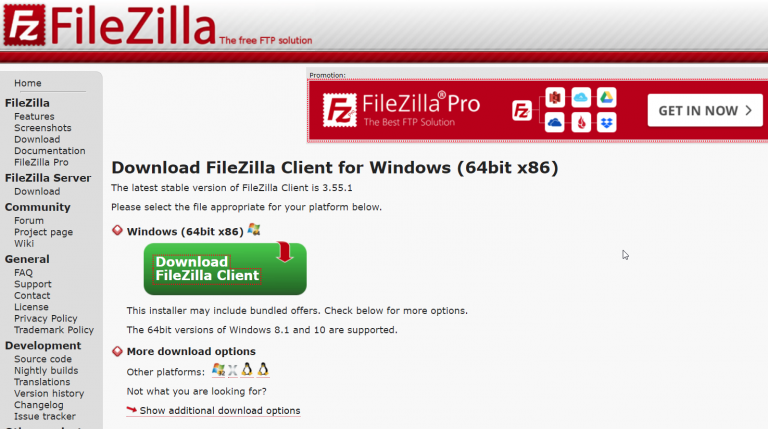
Knowing how to install WordPress Plugin and Theme is important as plugins maximize your website potential. The core features provided by WordPress are good but with WordPress Plugin, it takes…
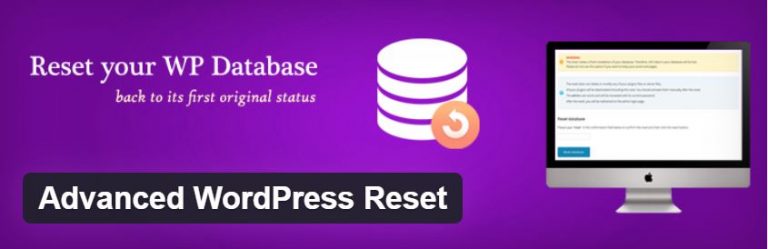
There are times when you want to reset your WordPress installation without having to go through the WordPress installation all over from start. Knowing how to reset WordPress site is…

If you own or manage a WordPress website, having a proper backup in WordPress is very important as you need it in the worst-case scenario to bring your site back…

If you have always wanted to build a WordPress website but do not know where to begin, this is the perfect guide. Today I am going to show you how…

Everything has its good and bad sides. Even a coin has a head and a tail. You might even hear of the principle of Yin and Yang that all things…
404 is the Hypertext Transfer Protocol (HTTP) standard response code that indicates the page the visitor is requesting is not found. There are many reasons why the page returns 404,…
Where do all posts, pages, comments, and data from your WordPress website saved to? Every time when you create a new post, the content has to be stored somewhere. Well,…