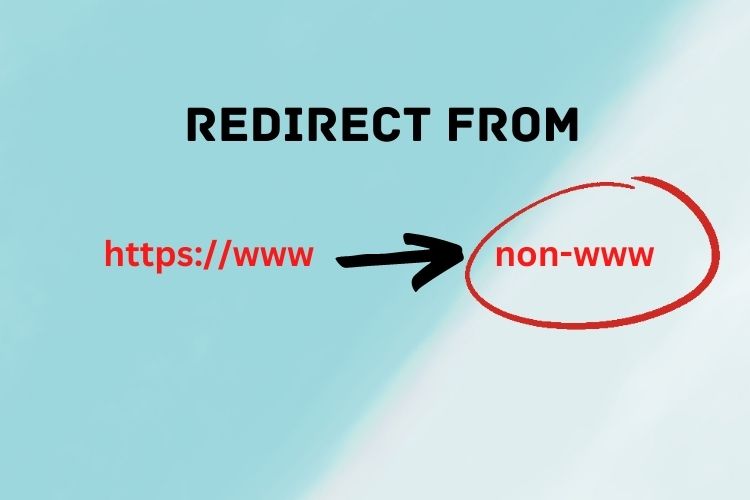
Website Redirection – Simple How To’s Guide
Scenario: You are changing from websiteA.com to websiteB.com
in the .htaccess file, paste the following code:
 RewriteEngine On
        RewriteRule ^(.*)$ https://websiteB.com/$1 [R=301,L]
Alternatively, use this to redirect old domain to new domain
RewriteEngine On
       RewriteCond %{HTTP_HOST} ^(?:www\.)oldsite\.com$ [NC]
       RewriteRule ^https://newsite.com%{REQUEST_URI} [L,R=301]
If you plan to place your new website in a subfolder of a domain, in this case, WebsiteB.com/subfolder do this instead:
 RewriteEngine On
        RewriteRule ^(.*)$ https://websiteB.com/propfaq/$1 [R=301,L]
Scenario: You are moving the entire subfolder
RewriteRule ^/?oldfolder/(.\*)$ /newfolder/$1 [R,L]The WebsiteA.com/oldfolder will be redirected to WebsiteA.com/newfolder
Scenario: Redirecting from www version to a non-www version of your website
RewriteCond %{HTTP_HOST} ^www.yourdomain.com [NC] RewriteRule (.*) https://yourdomain.com/$1 [L,R=301]*change “yourdomain.com” to your actual domain name
Scenario: 301 Redirect – Redirecting from an old page to a new page
Redirect 301 /old-page/ https://www.yourdomain.com/new-page/Replace “old-page” with your actual page name, and “new-page” with the actual new page name.